
The MacBook Neo is one of the most talked-about Apple laptops of 2026, and if you're thinking about buying one, you're probably also wondering how to keep it looking new. This guide covers what to consider before buying a MacBook Neo in India, how to protect it from day one, and the best skin styles for it.
MacBook Neo Price in India
Apple's prices in India can change with new configurations, offers and bank deals, so the most reliable source for the current MacBook Neo price is the Apple India website or an Apple Authorised Reseller. Check the exact configuration you want, as memory and storage options affect the final price.
Whatever you pay, it's a significant purchase, which is why many buyers plan how to protect their MacBook before it even arrives.
Should You Buy a MacBook Neo?
A MacBook makes the most sense if you want a laptop that's light to carry, built to last several years and fits into the Apple ecosystem with an iPhone. Before you buy, think about:
- What you'll use it for: study, office work, creative work or gaming. Heavy gaming is better suited to a gaming laptop like the Lenovo LOQ.
- Configuration: choose memory and storage you won't outgrow, since they can't be upgraded later.
- How long you'll keep it: many people keep a MacBook for years, so protecting the finish helps resale value later.
Why Put a Skin on a MacBook Neo?
A MacBook's smooth aluminium finish shows fine scratches and scuffs easily, and every MacBook in a café or lecture hall looks the same. A skin addresses both:
- It covers the lid, and optionally the keyboard area, against everyday scratches.
- At 0.2 mm, it keeps the MacBook's slim profile, so it still fits the same sleeve.
- It gives your MacBook a design that's clearly yours.
- It peels off without residue, revealing the original finish when you sell or trade in.
Cladure MacBook Neo Skins: Key Facts
| Details | |
|---|---|
| Fit | Cut on precision machines for the MacBook Neo |
| Coverage | Top Lid, or Top Lid + Keypad (keyboard deck, palmrest and trackpad; keys not covered) |
| Apple logo | Cut out on most designs; covered where a cutout would break the artwork |
| Material | 0.2 mm vinyl with Air-Escape adhesive; repositionable while applying |
| Finishes | Matte, 3D textured, and matte with glossy highlights |
| Price | From ₹444; final price depends on design, coverage and offers |
| Shipping | Free across India; 0% EMI via Snapmint |
Best Skin Styles for the MacBook Neo
Minimal and refined
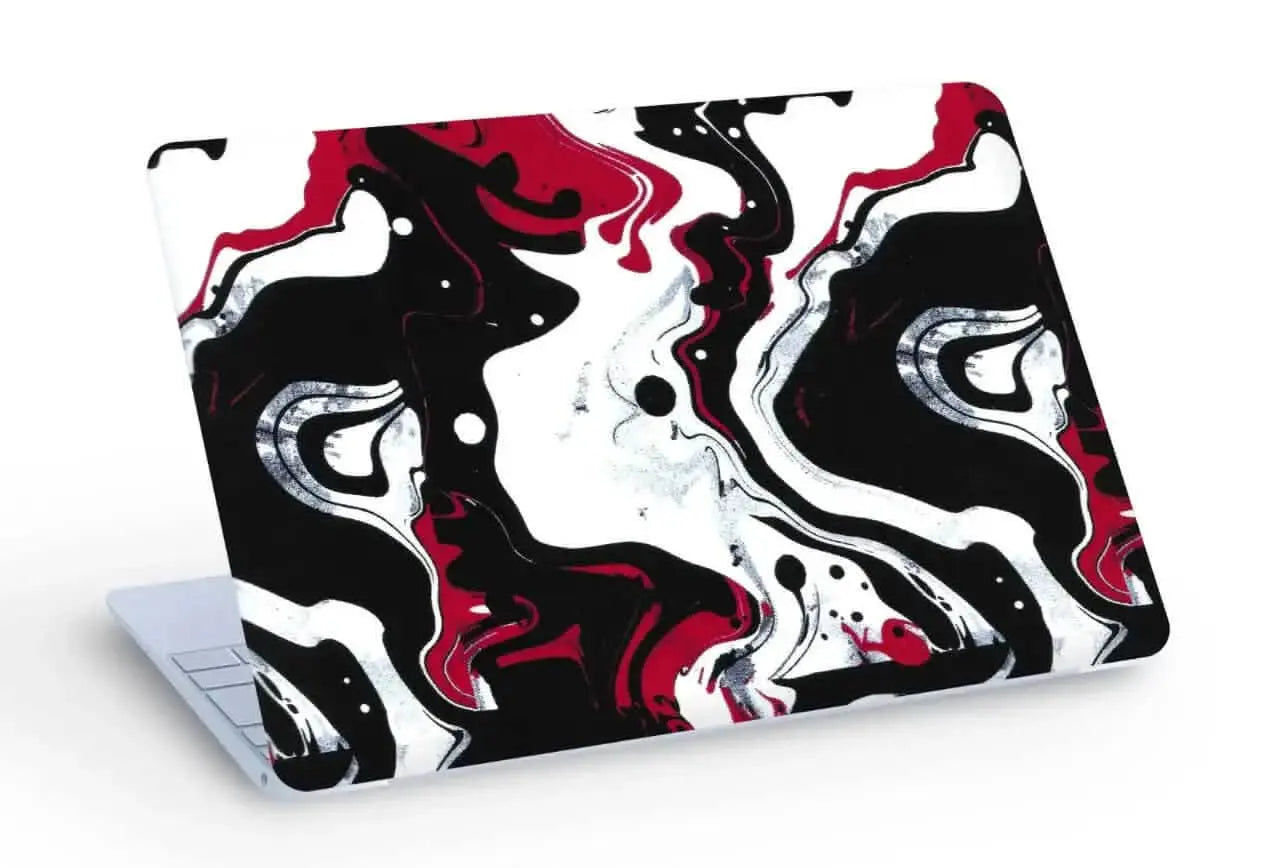
For a look that matches Apple's clean design, try the 3D textured White Topography skin, whose raised contour lines you can feel, or Abstract Gold Flow and Abstract Marble Swirl.
Dark and bold
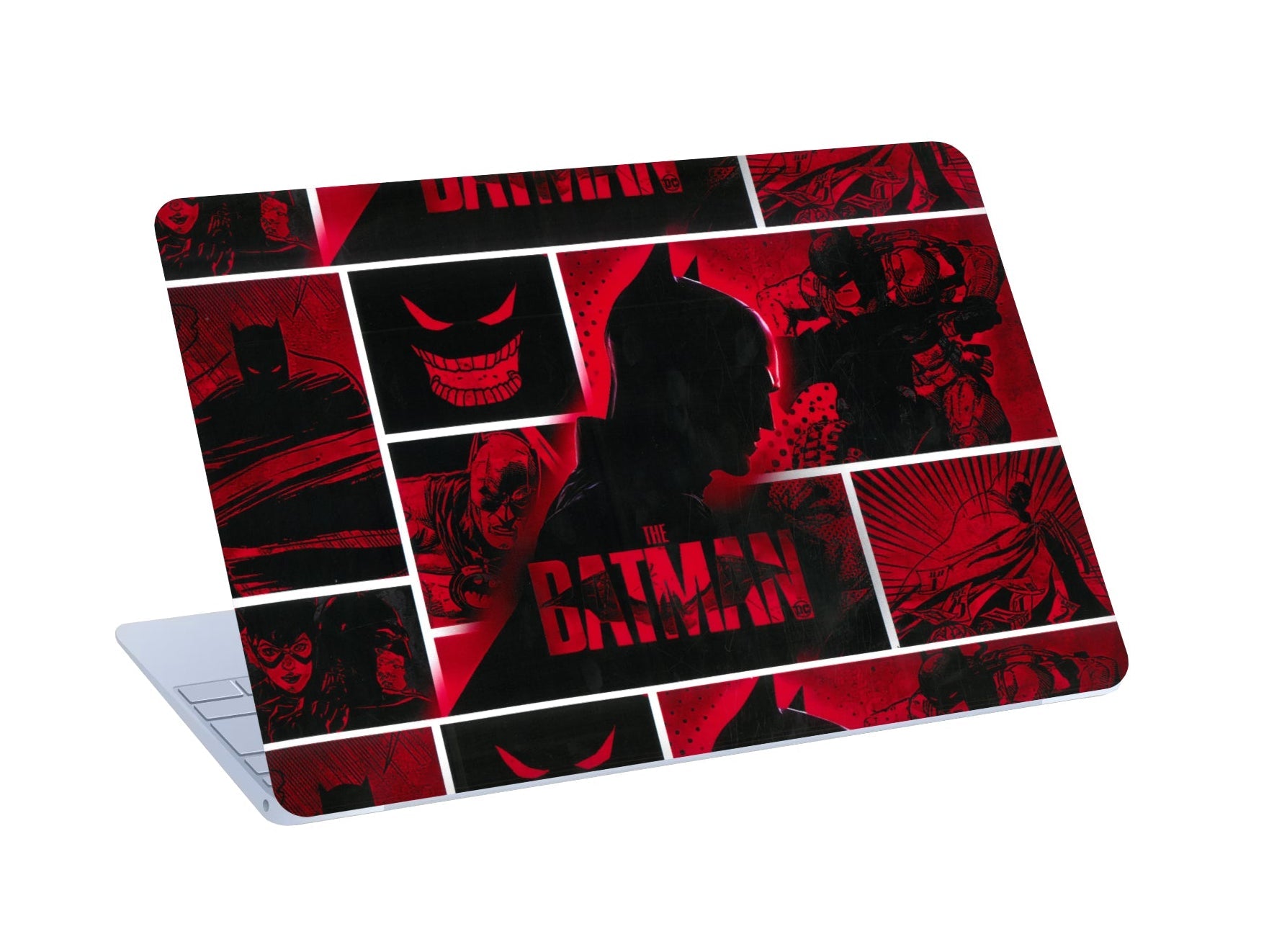
For a stronger statement, try Skull & Money, Urban Camouflage or the Batman skin.
Anime and cartoon
Students and creators often pick Goku vs Jiren, Luffy, Shinchan or Hello Kitty.
Playful patterns
Blue Hearts and the Colorful Heart Pattern add a lighter touch.
Skin vs Case for the MacBook Neo
| Skin | Hard case | |
|---|---|---|
| Added thickness | 0.2 mm | Noticeable |
| Keeps Apple's design | Follows the shape | Covers and changes it |
| Scratch coverage | Yes | Yes |
| Drop protection | No | Some |
| Design choice | Wide range | Limited |
Many owners use a skin for looks and everyday scratches, plus a padded sleeve for travel.
How to Apply a MacBook Neo Skin
- Shut down the MacBook and close it. Work on a clean, dust-free table.
- Clean the lid with the alcohol wipe, then dry it with the dry wipe.
- Hold the skin over the lid with the backing on to check alignment.
- Start at the hinge edge and smooth outward with the squeegee. You can lift and reposition if needed.
- For Top Lid + Keypad, apply the keyboard-area piece last, starting at the trackpad.
Frequently Asked Questions
Do you make MacBook Neo skins?
Yes. Select MacBook Neo at checkout.
Is the Apple logo cut out?
On most designs, yes. On some designs, the artwork covers it.
Will the MacBook still close properly?
Yes. At 0.2 mm, the skin keeps the MacBook's slim profile.
Will a skin damage the aluminium?
No. It peels off without residue.
How much does a MacBook Neo skin cost?
From ₹444. The final price depends on design, coverage and current offers.
Final Thoughts
If you're buying a MacBook Neo, a skin is an easy way to keep it looking new and make it yours from day one, without adding bulk.
Have an iPhone too? See iPhone skins. Browse all laptop skins.

Leave a comment
All comments are moderated before being published.
This site is protected by hCaptcha and the hCaptcha Privacy Policy and Terms of Service apply.