
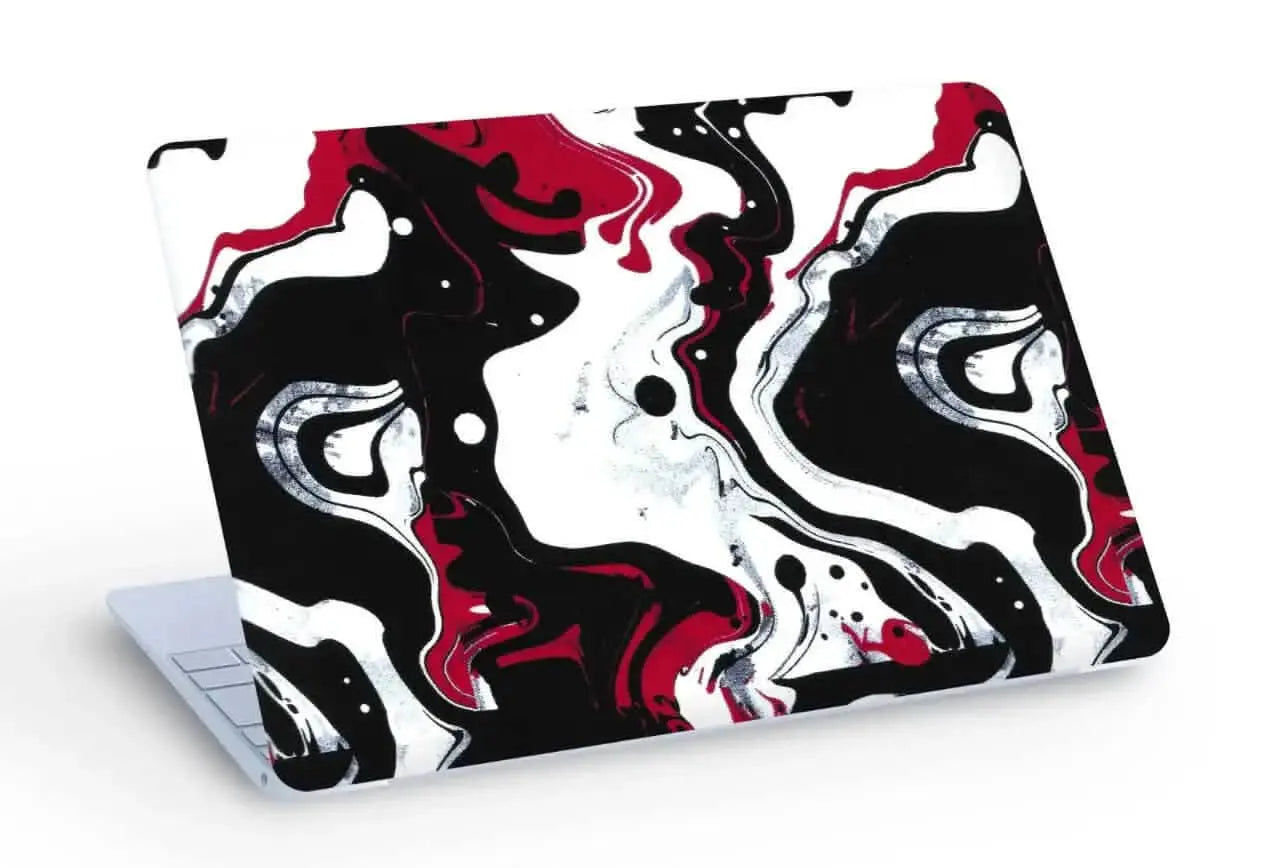
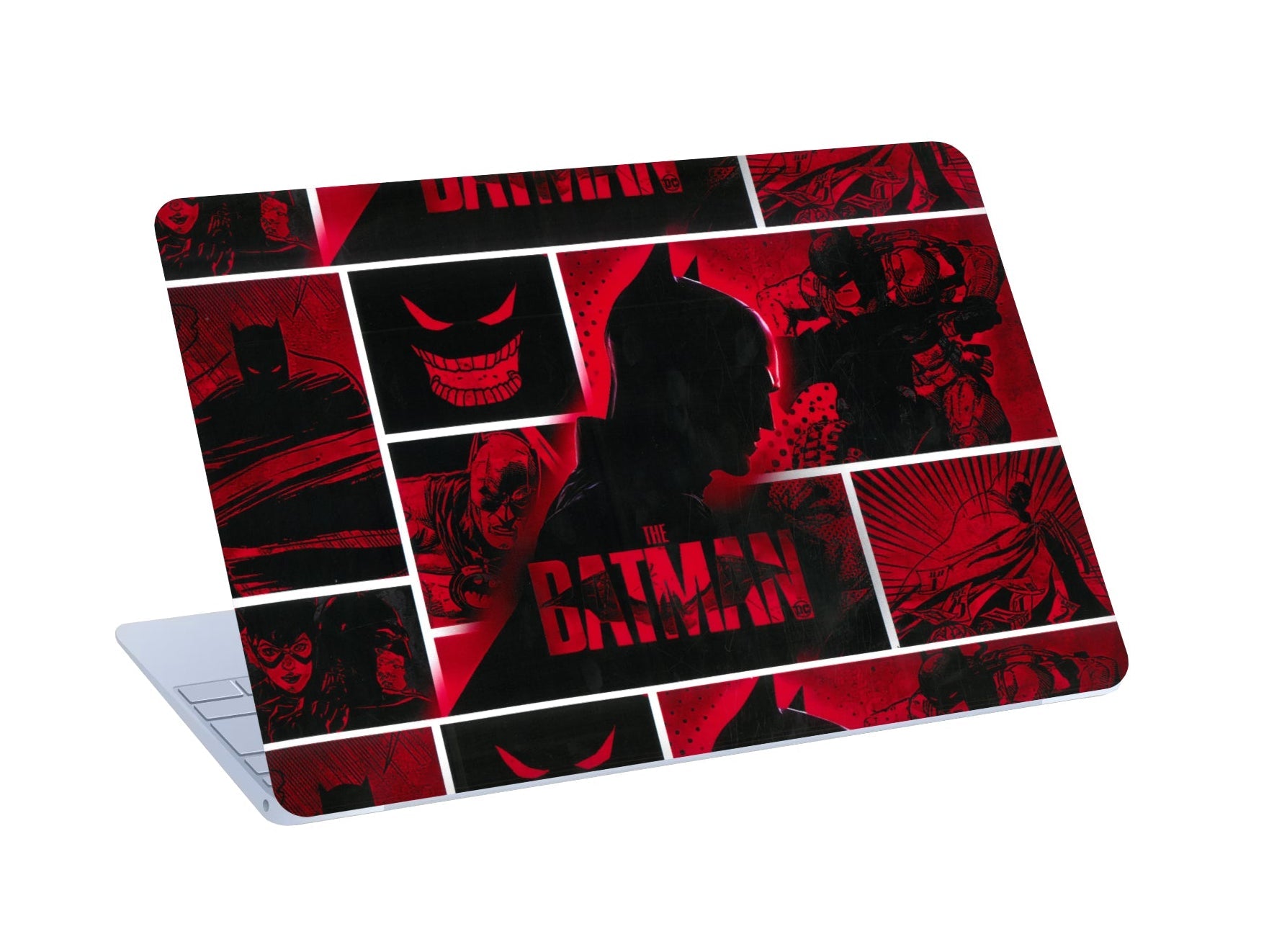
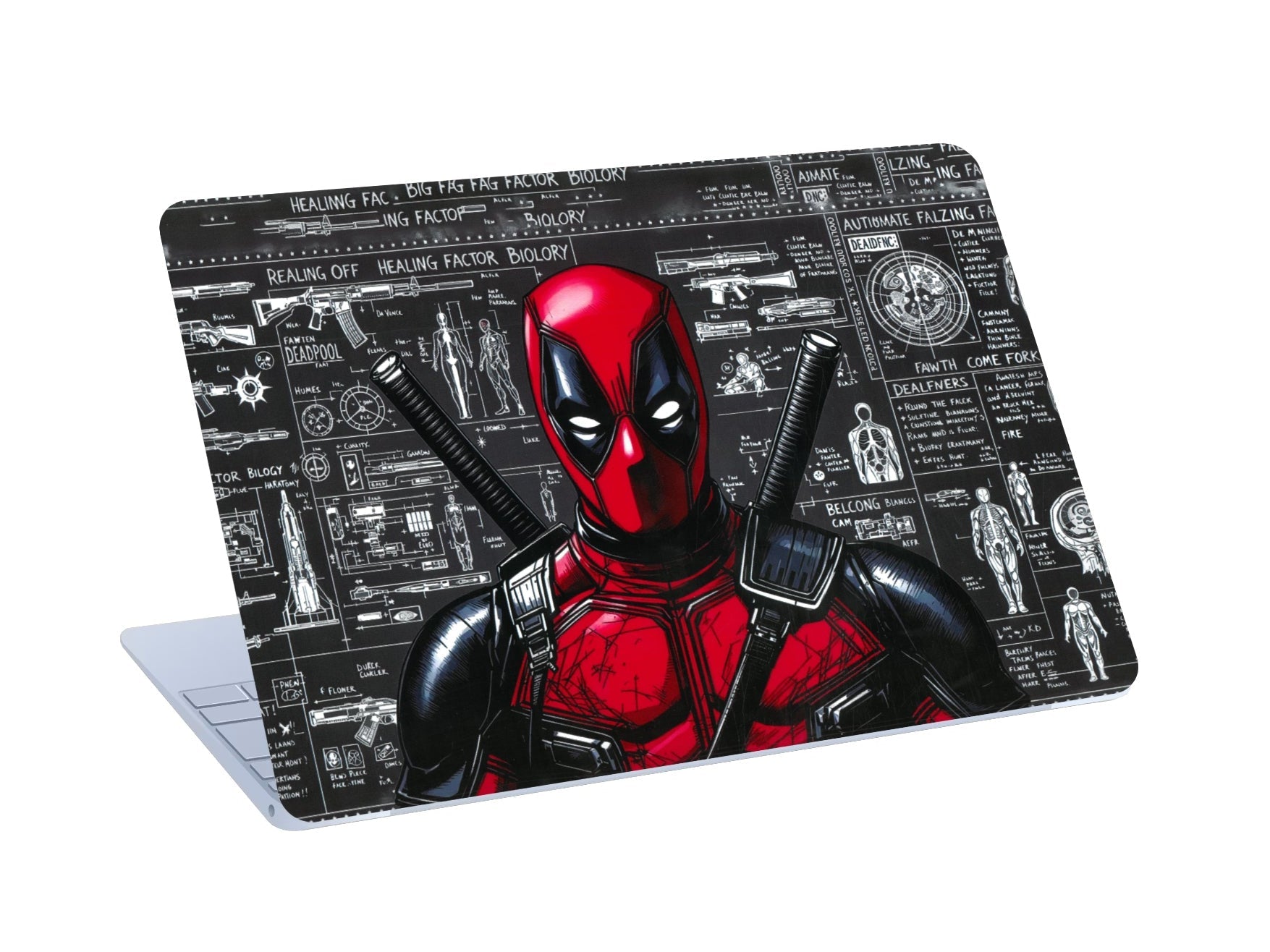
Laptop and phone skins are one of the most popular ways to personalise devices without adding bulk, but most people have the same questions before buying: Will it damage my device? Will it overheat my laptop? Can I remove it? This guide answers them clearly.
👉 Shop Laptop Skins · Shop Phone Skins
Laptop Skins: Your Questions Answered
What is a laptop skin?
A laptop skin is a thin vinyl cover cut for one specific laptop model. Cladure laptop skins are 0.2 mm thick and cut on precision machines, so the edges follow your lid and the cutouts line up with your ports and hinges.
Which parts of the laptop does a skin cover?
| Top Lid | Top Lid + Keypad | |
|---|---|---|
| Outer lid | Covered | Covered |
| Keyboard deck, palmrest and trackpad | Not covered | Covered |
| Keys | Not covered | Not covered |
| Base and sides | Not covered | Not covered |
Will a laptop skin protect my device?
It covers the lid and keyboard area against everyday scratches, scuffs and fingerprints. It doesn't protect against drops or heavy impact, so pair it with a padded sleeve for travel if you need that.
Will a laptop skin cause overheating?
No. Cladure skins cover only the lid and, with the keypad option, the keyboard area. The base and sides, where most laptops have their vents, are never covered, and lid vents on gaming laptops like the Lenovo LOQ are cut out.
Is the laptop logo covered?
On most designs, the logo is cut out so it shows through. On some designs, a cutout would break up the artwork, so the design covers the logo instead.
Will a skin damage my laptop's surface?
No. Cladure skins peel off without residue and don't harm aluminium or plastic finishes.
Can I reposition the skin while applying it?
Yes. The Air-Escape adhesive is repositionable during application, so if the skin goes on slightly off-centre, you can lift it gently and line it up again before pressing it down firmly.
How do I remove a laptop skin?
Lift a corner with a fingernail and peel slowly at a low angle, keeping the skin close to the surface rather than pulling straight up. Take your time around cutouts. No heat is needed.
Can I change my laptop skin often?
Yes. Because skins remove cleanly, you can switch designs whenever you want. A skin that's been removed won't stick as well a second time, so use a new skin for each change.
Can I use a laptop skin with a sleeve?
Yes. A skin is thin enough that your laptop still fits the same sleeve or bag compartment.
What finishes are available?
Matte (smooth, anti-glare), 3D textured (raised, tactile) and matte with glossy highlights. Examples include the Virat Kohli matte skin, the 3D White Topography skin and the Colorful Heart Pattern.
How do I choose the right laptop skin?
- Find your exact model on the label underneath, in Settings → System → About (Windows) or About This Mac.
- Choose Top Lid or Top Lid + Keypad.
- Pick a finish and a design that suits where you use the laptop.
Find your brand: MacBook, Lenovo, HP, Dell, ASUS, MSI, Infinix, Realme or Microsoft Surface.
How much does a laptop skin cost?
From ₹444 for a Top Lid skin. The final price depends on design, coverage and current offers. Shipping is free across India, and 0% EMI is available via Snapmint.
Phone Skins: Your Questions Answered
Are phone skins worth it?
Yes, if you want to personalise your phone and cover the back against scratches without adding bulk. They don't replace a case for drop protection.
What coverage options are there?
Back covers the rear panel. Back + Sides also wraps the frame.
Can I use a phone skin with a case?
Yes. A Back skin works under most cases; a tight case may lift the edges of a Back + Sides skin.
Does a phone skin affect wireless charging?
No. Wireless charging works normally, including MagSafe on iPhone.
Which phones are supported?
All major brands, cut for your exact model: iPhone, Samsung, OnePlus, Redmi, Vivo, Nothing and more. If yours isn't listed, use Request Your Model.
How much does a phone skin cost?
From ₹222, with free shipping across India.
Final Thoughts
Skins are one of the easiest ways to make your devices look like yours while covering them against everyday wear. Choose your exact model, pick your coverage, and find a design you'll enjoy every day.

Leave a comment
All comments are moderated before being published.
This site is protected by hCaptcha and the hCaptcha Privacy Policy and Terms of Service apply.