
A laptop goes everywhere with a student: lectures, libraries, hostel rooms, internships and late-night gaming. That means scratches, scuffs and a lid that looks exactly like everyone else's. A laptop skin fixes both problems for much less than a new laptop bag. This guide covers why students use skins, the best designs for campus life, the popular student laptops we cut skins for, and how to choose and apply one.
Why Students Use Laptop Skins
- Make it recognisably yours. In a lecture hall full of identical laptops, a skin makes yours easy to spot.
- Cover everyday wear. A skin covers the lid, and optionally the keyboard area, against scuffs from bags, desks and hostel life.
- Stay slim. At 0.2 mm, a skin adds almost no thickness, so the laptop fits the same bag or sleeve.
- Protect resale value. Many students sell or hand down their laptop after graduating. A skin peels off without residue, revealing a cleaner lid underneath.
- Affordable. Laptop skins start from ₹444, with free shipping across India and 0% EMI via Snapmint.
Best Laptop Skin Designs for Students
Minimal designs for classes and internships
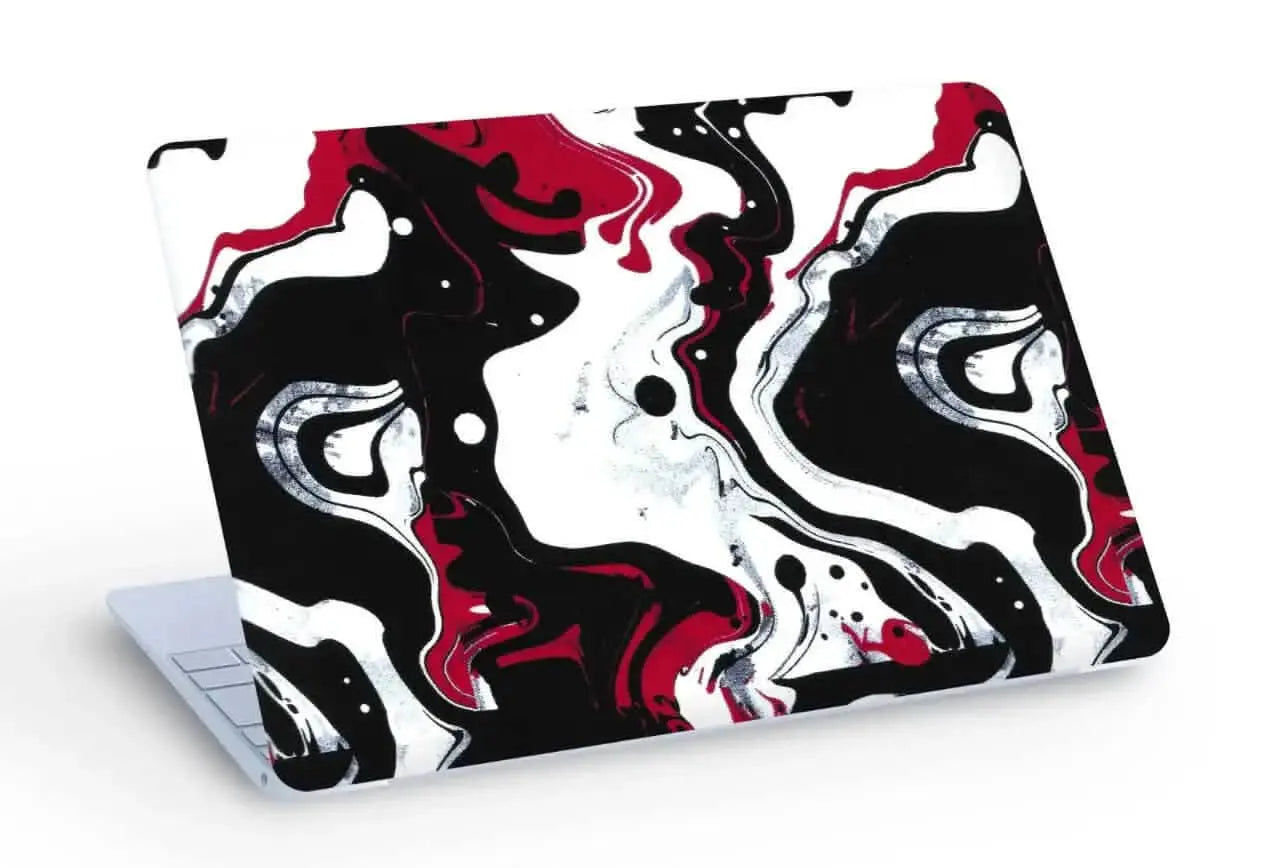
If your laptop goes to lectures, presentations and internship interviews, a minimal design looks polished without being loud. The 3D textured White Topography skin has raised contour lines you can feel, while Abstract Gold Flow and Abstract Marble Swirl look refined and premium.
Anime and cartoon designs for hostel life
Want your laptop to show your personality? Try Goku vs Jiren, Luffy, the Shinchan skin or the Hello Kitty skin.
Gaming designs for after-class sessions
For gaming laptops and RGB setups, the 3D textured Skull & Money, Urban Camouflage and Abstract Camouflage skins look bold, and the texture adds grip when you carry the laptop around campus.
Fan favourites
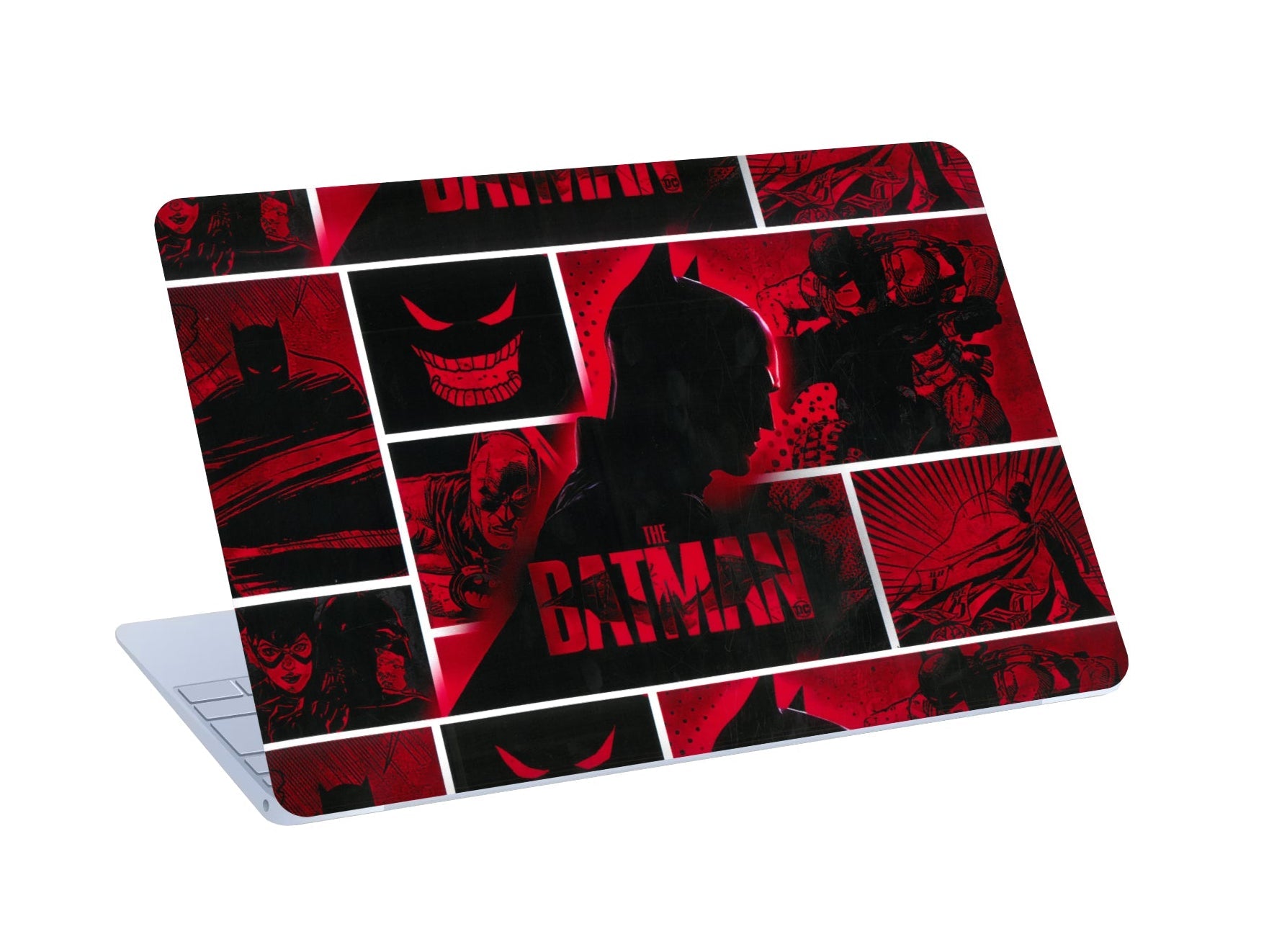
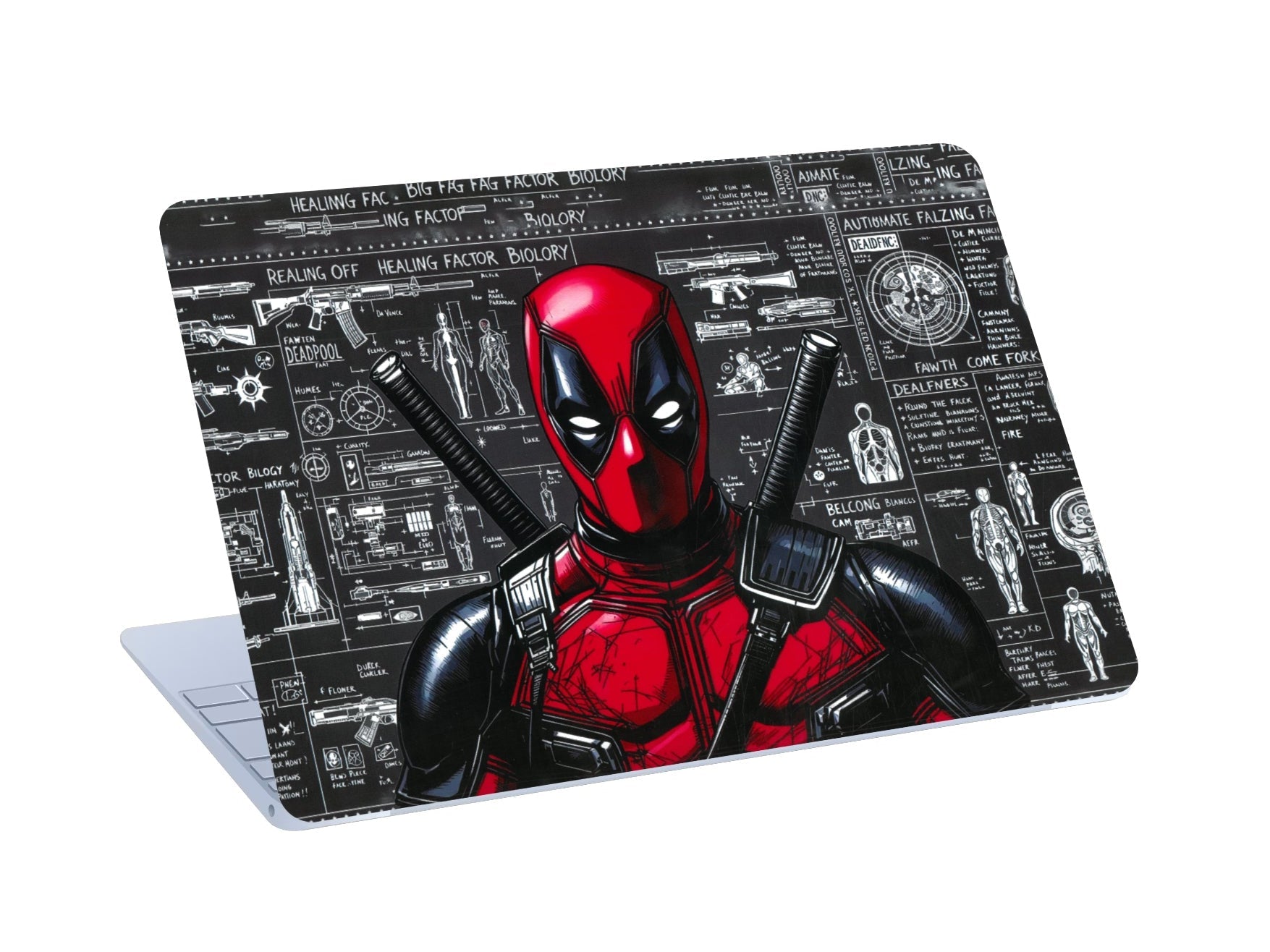
Cricket fans choose the Virat Kohli skin, and superhero fans the Batman or Deadpool skins.
Playful patterns
Blue Hearts, the Colorful Heart Pattern and Halloween Doodle are fun choices for a lighter look.
Which Design Suits Your Student Life?
| Your situation | Recommended style |
|---|---|
| Engineering or business student with presentations | Minimal: White Topography, Gold Flow |
| One laptop for classes and gaming | Topography or abstract, a safe middle ground |
| Gaming laptop in a hostel setup | Skull & Money, camouflage |
| Want to show your fandom | Anime, cricket or superhero |
| Want something cute and light | Shinchan, Hello Kitty, heart patterns |
Popular Student Laptops We Cut Skins For
HP Victus 15
The HP Victus 15 is one of the most popular gaming laptops among Indian students. We cut skins for Victus 15 models, including the 2024 and 2025 versions. The 15 and 16 have different lids, so select your exact model. Minimal designs like White Topography suit students who use the Victus for both study and gaming. See all HP laptop skins.
Lenovo LOQ and IdeaPad
The Lenovo LOQ is a favourite first gaming laptop, and the IdeaPad Slim range is common for everyday study. See Lenovo LOQ skins, with model codes and LOQ-specific advice, or all Lenovo laptop skins.
ASUS Vivobook and TUF
The Vivobook is a classic student laptop, and the TUF Gaming range is popular with gamers. See ASUS laptop skins.
Dell Inspiron and Vostro
Common in colleges and often bought in bulk. Order using the full model number, such as Inspiron 15 3520. See Dell laptop skins.
MacBook Air
The most popular Mac among students. The 13-inch and 15-inch models need different skins. See MacBook skins.
Other brands: MSI, Infinix, Realme and Microsoft Surface. Don't see yours? Use Request Your Model.
How to Choose the Right Laptop Skin
1. Find your exact model
Screen size isn't enough. Check the label underneath your laptop, or go to Settings → System → About on Windows or Apple menu → About This Mac on a Mac.
2. Choose coverage for your budget
| Top Lid | Top Lid + Keypad | |
|---|---|---|
| Outer lid | Covered | Covered |
| Keyboard deck, palmrest, trackpad | Not covered | Covered |
| Keys | Not covered | Not covered |
| Price | From ₹444 | Higher; varies by design and offers |
On a tight budget, Top Lid gives the biggest visual change for the lowest price. If you want the palmrest covered against wear, choose Top Lid + Keypad.
3. Matte or 3D textured?
Matte suits detailed artwork and reduces glare under classroom lights. 3D textured adds grip and hides fingerprints well.
How to Apply a Laptop Skin in Your Hostel Room
- Switch off the laptop and close it. Turn off the fan to reduce dust.
- Clean the lid with the alcohol wipe, then dry it with the dry wipe.
- Line up the skin with the hinge edge and cutouts.
- Smooth from the centre outward with the included squeegee. You can lift and reposition if needed.
- Press firmly around the edges.
Laptop Skins as Gifts for Students
A laptop skin is an affordable, personal gift for someone starting college or a new course. You only need their exact laptop model, printed on the label underneath. Pick a design around their interests, or a minimal design if you're unsure.
Frequently Asked Questions
Are laptop skins worth it for students?
Yes. They're affordable, they make your laptop recognisable, and they cover it against everyday scuffs without adding bulk.
How much does a laptop skin cost?
From ₹444 for a Top Lid skin. The final price depends on design, coverage and current offers.
Do you make skins for the HP Victus 15?
Yes. Select your exact Victus model at checkout.
Will a skin block my laptop's vents?
No. Skins cover only the lid and keyboard area, never the base or sides.
Can I remove the skin before selling my laptop?
Yes. It peels off without residue.
Can I pay in instalments?
Yes, 0% EMI is available via Snapmint.
Final Thoughts
A laptop skin is one of the most affordable upgrades a student can make: it makes your laptop yours, covers it against campus wear, and comes off cleanly when you sell it. Find your exact model, pick your coverage and choose a design that fits your life.
Want a matching phone? See phone skins. Decorating your hostel room? See wall posters.

Leave a comment
All comments are moderated before being published.
This site is protected by hCaptcha and the hCaptcha Privacy Policy and Terms of Service apply.