
Looking for a Lenovo LOQ laptop skin? The LOQ is one of the most popular gaming laptops in India, and a skin is the easiest way to make yours look different from every other LOQ while covering its lid and keyboard area against everyday scratches. This guide covers which LOQ models you can get skins for, full-body vs lid-only coverage, design styles, cooling, price and how to apply one.
👉 Shop Lenovo LOQ Laptop Skins
Why Put a Skin on a Lenovo LOQ?
The LOQ has a distinctive gaming design, but thousands of them look identical, and daily use leaves fingerprints, smudges and fine scratches on the lid and palmrest. A skin solves both problems:
- It gives your LOQ a design that's clearly yours.
- It covers the lid, and optionally the keyboard area, against everyday scuffs.
- At 0.2 mm, it adds almost no thickness, so the laptop fits the same bag or sleeve.
- It peels off without residue when you want a change or sell the laptop.
Which Lenovo LOQ Models Can You Get Skins For?
A laptop skin should never be chosen by screen size alone. Every LOQ is "15 inches", but lid shape, vent positions and logo placement change between generations. At Cladure, skins are cut on precision machines for these LOQ models:
| Model code | Year | Processor brand |
|---|---|---|
| LOQ 15IRX9 | 2024 | Intel |
| LOQ 15AHP10 | 2025 | AMD |
| LOQ 15IPH11 | 2026 | Intel |
| LOQ 15AHP11 | 2026 | AMD |
The first letter after "15" shows the processor brand (I for Intel, A for AMD), and the last number is the generation. Find your code on the label under the laptop, in Lenovo Vantage, or in Windows under Settings → System → About. If yours isn't listed, use Request Your Model.
Lenovo LOQ 15 Skin: Why Size Isn't Enough
Many people search for a "Lenovo LOQ 15 skin" or a "15.6-inch skin". The problem is that two 15.6-inch laptops, or even two LOQs from different years, can have completely different lids. A generic 15.6-inch sticker won't line up with your LOQ's vents or corners. Always order using your exact model code.
Full Body Lenovo LOQ Skin vs Lid-Only
"Full body" can mean different things from different sellers, so it's worth knowing exactly what you get. Cladure offers two options:
| Top Lid | Top Lid + Keypad | |
|---|---|---|
| Outer lid | Covered | Covered |
| Keyboard deck and palmrest | Not covered | Covered |
| Trackpad | Not covered | Covered |
| Keys | Not covered | Not covered |
| Base and sides | Not covered | Not covered |
| Price | From ₹444 | Higher; varies by design and offers |
Top Lid + Keypad is what most people mean by a "full body" LOQ skin: the design continues when you open the laptop, and the palmrest, where shiny wear marks appear first, stays covered.
Best Lenovo LOQ Skin Designs
Anime Lenovo LOQ skins
Anime designs are one of the most popular choices for gaming laptops. Options include Goku vs Jiren from Dragon Ball Super, Luffy from One Piece, the Shinchan skin and the Hello Kitty skin.
Minimal and premium LOQ skins
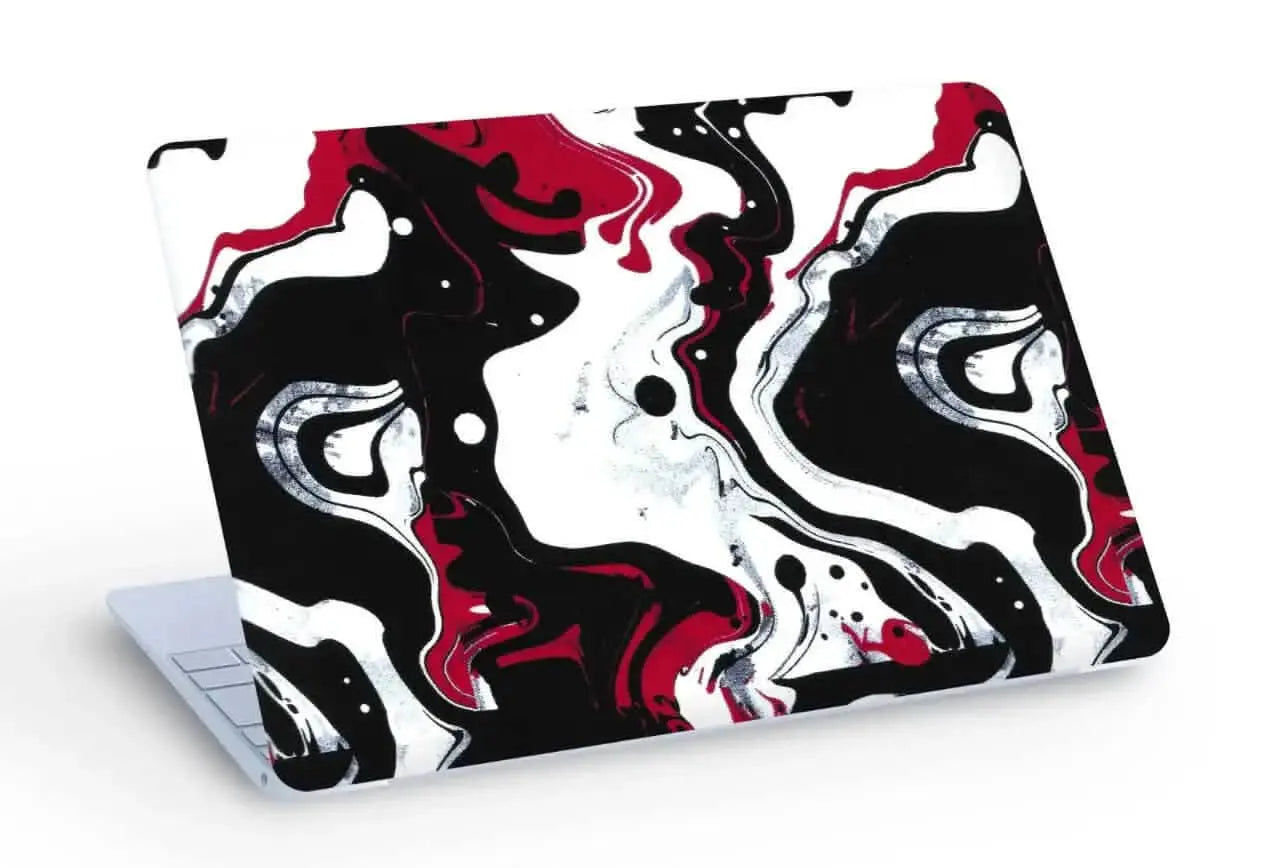
If you use your LOQ for college or work as well as gaming, minimal designs look premium without being loud. The 3D textured White Topography skin has raised contour lines you can feel, while Abstract Gold Flow and Abstract Marble Swirl are clean and refined.
Dark and stealthy LOQ skins
For a darker gaming look that suits RGB setups, try the 3D textured Skull & Money, Urban Camouflage or Abstract Camouflage.
Superhero and cricket LOQ skins
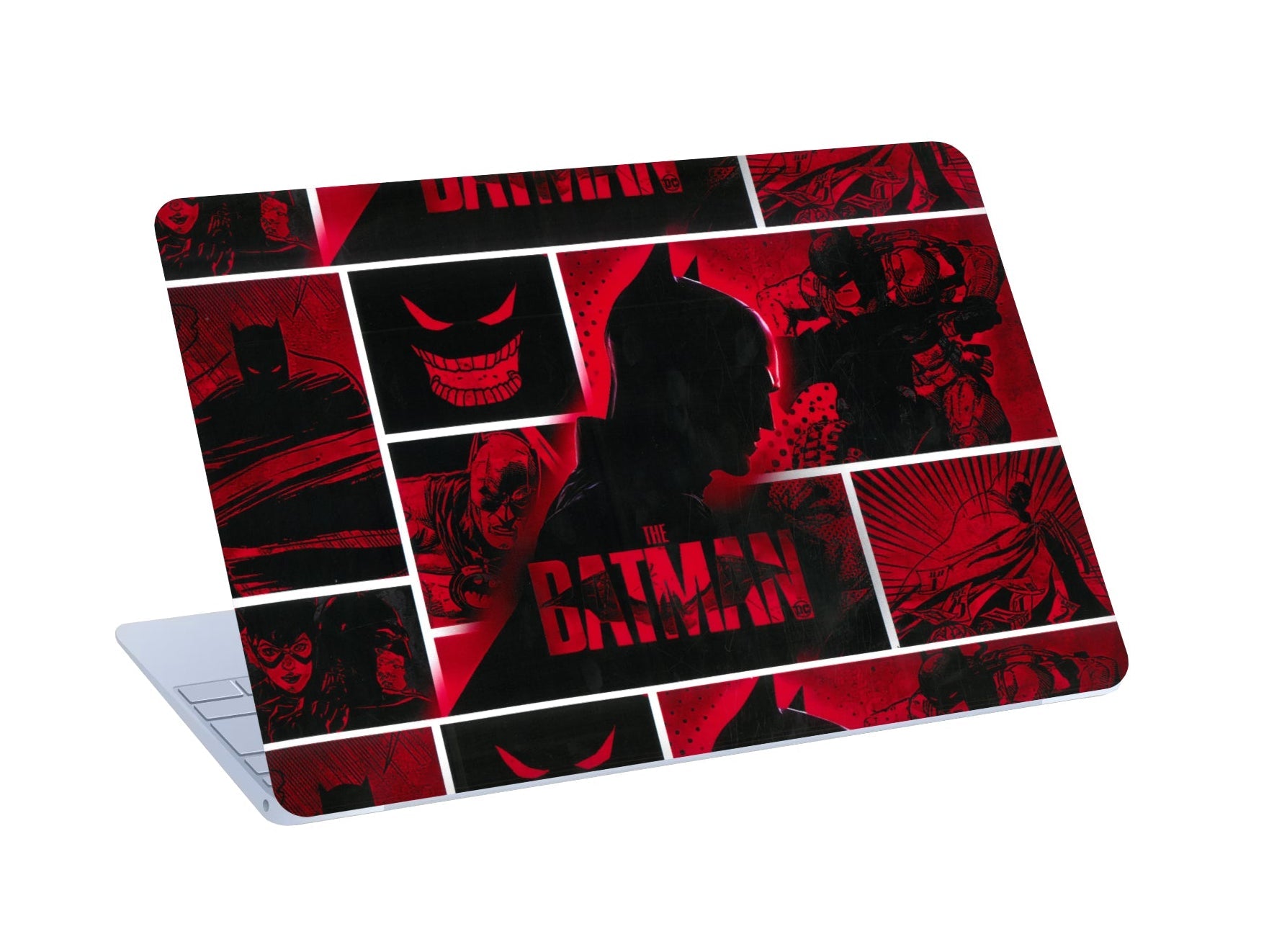
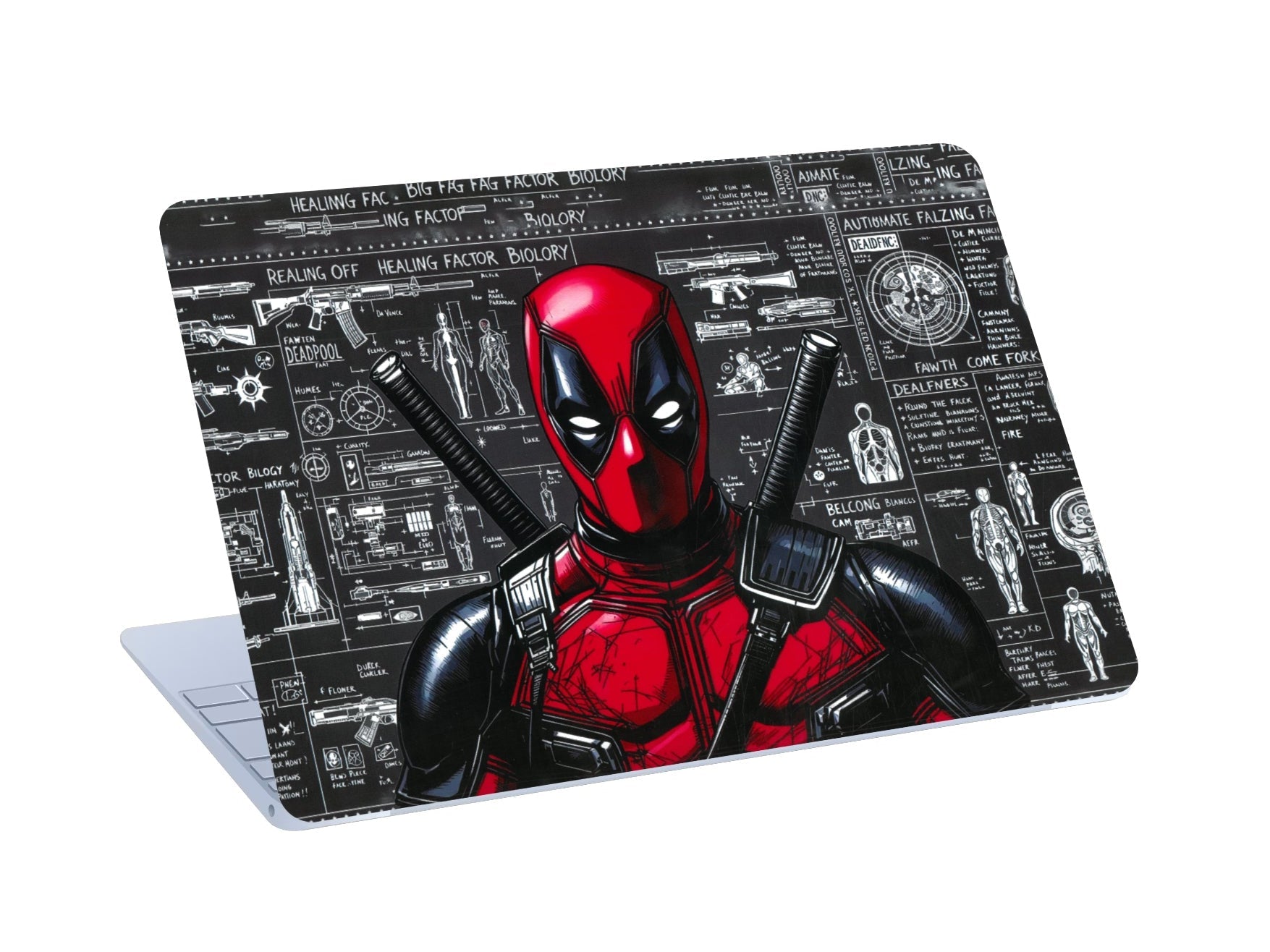
Superhero fans can choose the Batman or Deadpool skins, and cricket fans the Virat Kohli skin.
What about transparent Lenovo LOQ skins?
Some people look for a transparent or clear skin to keep the LOQ's original look. Cladure doesn't make transparent skins. If you want a subtle finish, a minimal design like White Topography or Gold Flow changes the look gently, and you can always peel it off to return to the original lid.
Explore all Lenovo LOQ skin designs →
Matte or 3D Textured?
| Matte | 3D textured | |
|---|---|---|
| Surface | Smooth, anti-glare | Raised, tactile |
| Best for | Detailed artwork like anime and cricket | Patterns like topography and camouflage |
| Fingerprints | Hides them well | Texture hides them |
| Grip | Standard | Extra grip |
Does a Laptop Skin Affect Lenovo LOQ Cooling?
No, as long as the skin is made for your model. Cladure skins cover only the lid and, with the keypad option, the keyboard area. The base and sides, where gaming laptops vent most of their heat, are never covered, and any vents on the lid are cut out. Cooling works exactly as Lenovo designed it.
Is the Lenovo Logo Covered?
On most designs, the Lenovo logo is cut out so it shows through. On some designs, a cutout would break up the artwork, so the design covers the logo instead. The product images show how each design handles it.
Lenovo LOQ Skin Price in India
At Cladure, Lenovo LOQ skins start from ₹444 for a Top Lid skin. The final price depends on the design, coverage (Top Lid or Top Lid + Keypad) and current offers. 3D textured designs cost more than matte. Shipping is free across India, and 0% EMI is available via Snapmint.
When comparing prices anywhere, check what's included: a lid-only skin and a lid-plus-keyboard skin aren't comparable, and a generic size-based sticker isn't the same as a skin cut for your exact model.
Lenovo LOQ Skin vs Case vs Sleeve
| Skin | Hard case | Sleeve | |
|---|---|---|---|
| Changes the look | Yes, fully | Partly | Only in your bag |
| Added thickness | 0.2 mm | Noticeable | Only while stored |
| Scratch coverage | Yes | Yes | Only while stored |
| Drop protection | No | Some | Some, while stored |
| Keeps vents clear | Yes | Depends on case | Not used while gaming |
Many LOQ owners use a skin for looks and everyday scratches, plus a sleeve for travel.
Skin vs Decal vs Sticker
A sticker or decal is usually a smaller graphic placed somewhere on the lid. A skin covers the whole lid edge to edge and is cut to your exact model. If you want your LOQ to look completely different, choose a skin.
How to Apply a Lenovo LOQ Skin
- Switch the laptop off and close it. Work on a clean, dust-free table.
- Clean the lid with the alcohol wipe, then dry it with the dry wipe.
- Dry-fit the skin with the backing on to check the hinge and vent cutouts line up.
- Peel part of the backing, line up the hinge edge and press it down.
- Smooth from the centre outward with the squeegee. The Air-Escape adhesive lets air out, and you can lift and reposition if needed.
- Press firmly around every edge and cutout.
- For Top Lid + Keypad, apply the keyboard-area piece last, starting at the trackpad.
Can You Remove a Lenovo LOQ Skin?
Yes. Lift a corner and peel slowly at a low angle. The skin comes off without residue, leaving the LOQ's original finish.
Quick Guide: Which LOQ Skin Should You Choose?
| You want | Choose |
|---|---|
| A premium, professional look | White Topography, Gold Flow or Marble Swirl |
| A dark gaming look | Skull & Money or camouflage |
| Anime | Goku vs Jiren or Luffy |
| Something cute | Shinchan or Hello Kitty |
| A full, matching laptop | Any design with Top Lid + Keypad |
| A subtle change | A minimal design, removable anytime |
Frequently Asked Questions
Is a laptop skin good for a Lenovo LOQ?
Yes. It changes the look and covers the lid and keyboard area against everyday scratches without adding bulk or blocking vents.
Which skin is best for a Lenovo LOQ?
It depends on your style: minimal designs for a premium look, dark 3D designs for gaming setups, or anime and superhero designs to stand out.
Does a skin for the LOQ 15IRX9 fit the 15AHP10?
Not reliably. Choose the skin for your exact model code.
Can I get a full body Lenovo LOQ skin?
Yes. Top Lid + Keypad covers the lid, keyboard deck, palmrest and trackpad. The keys, base and sides are not covered.
Does a Lenovo LOQ skin affect cooling?
No. Lid vents are cut out, and the base and sides are never covered.
Do you sell transparent Lenovo LOQ skins?
No. For a subtle look, choose a minimal design.
How much does a Lenovo LOQ skin cost?
From ₹444 for a Top Lid skin. The final price depends on design, coverage and current offers.
Can I remove the skin later?
Yes. It peels off without residue.
Final Thoughts
The right Lenovo LOQ skin is one cut for your exact model, with the coverage you want and a design you'll enjoy every day. Check your model code, choose Top Lid or Top Lid + Keypad, and pick a style that suits where you use your laptop.
🔥 Shop Lenovo LOQ Laptop Skins →
Have a different laptop? See all laptop skins, including Lenovo, HP and ASUS skins.

Leave a comment
All comments are moderated before being published.
This site is protected by hCaptcha and the hCaptcha Privacy Policy and Terms of Service apply.