
Meta's Muse AI agent is one of the most searched tech topics in India right now, and the questions behind those searches are good ones. What exactly is Muse? Can it really send emails and book travel for you? Is it safe to give an AI access to your apps? And what does all this mean for the phone and laptop you use every day?
This guide answers all of that in plain language. We also cover how to make the devices you depend on feel personal, because as AI agents take over more of your daily tasks, your phone and laptop become the place where life happens. At Cladure, we make phone skins, laptop skins and posters designed to help people stand out, so we look at this topic from both sides: the technology and the style.
What Is Meta Muse?
Muse is a personal AI agent from Meta. An agent is different from a chatbot. A chatbot answers questions and produces text. An agent plans a series of steps, uses software tools and takes actions for you, often without you watching each step.
According to Meta, Muse can autonomously send emails, book travel, sell a car and work to lower a bill. It can also take on longer goals instead of one-off prompts. You give it an objective, and it builds a plan and carries it out.
Another notable feature is memory. Muse retains information it considers useful and uses it to make suggestions without being asked. That is what makes it feel less like a search box and more like an assistant that knows you.
Muse is powered by Meta's Muse Spark models. It is reported to be modelled on OpenClaw, an open-source AI agent framework. Meta introduced it on September 8, and it is free for most users, with paid subscription plans for people who need more computing capacity.
How Does the Muse AI Agent Work?
Understanding the design helps you judge both the benefits and the risks. Meta describes several building blocks.
1. A dedicated virtual machine
Each Muse agent runs on its own cloud-based virtual machine, which Meta calls Muse Secure VM. Think of it as a private computer in the cloud that holds the agent, your data and your credentials. Because it lives in the cloud, Muse can keep working on a task in the background even when you close the app.
2. Connected apps you choose
Muse can connect to apps in categories such as email, calendar, payments, health, shopping and the smart home. You decide which services it can reach, and you can disconnect them at any time. Meta also says you can decide which actions need your approval, such as sending an email or making a purchase.
3. A security agent called Sentinel
Meta says a separate security agent named Sentinel controls internet access. Actions or data sent out to the internet must be approved by Sentinel. Credentials are stored so that Muse itself cannot see your passwords or payment details.
4. Where you can talk to it
You can use Muse through its own app or through WhatsApp, with support for Meta's AI glasses planned for later. Meta has said the agent will reach its Ray-Ban smart glasses soon, though no firm timeline has been given.
Is Muse Available in India?
Not yet, as far as current reports show. Muse launched first in the United States, for users aged 18 and over, on iOS, Android, the web and WhatsApp. Meta has not confirmed an India launch date in the coverage we reviewed. If you see websites promising "Muse download India" today, be careful, and rely on Meta's official newsroom for availability.
Why Is Muse Trending Right Now?
Three themes are driving the conversation.
- It does real tasks. Sending emails, booking travel and making purchases is a big step beyond a chatbot, so people are curious and a little nervous.
- Safety questions came before launch. Meta held Muse back from an original April release to work through security concerns. Reuters reported that internal testing raised worries about how the agent handled sensitive information, and other reports mention reliability problems such as the agent disconnecting mid-task without explanation.
- Data and money. Meta says interactions can be used to train its AI unless you opt out, and that personally identifying information is removed first. Meta is also exploring ways to earn money from shopping done through the agent, potentially taking a share of transactions.
Muse vs Other AI Agents
Meta is not alone. OpenAI has introduced an agent called Operator that handles a range of web-based tasks, and Google has rolled out Gemini Spark, a personal agent built to work on tasks in the background. Anthropic is also pushing agents into more areas of work.
For users, the choice may come down to practical questions: how well does the agent finish tasks, how long does it remember your preferences, and what are its data and training terms? Convenience is attractive, but the permissions you grant matter just as much as the features.
What AI Agents Mean for Online Shopping in India
The most interesting part for shoppers and brands is commerce. If an agent can research products, compare prices and complete a purchase, then discovery changes. Instead of scrolling through ten tabs, you might say "find me a good laptop skin under Rs. 500" and let an agent do the legwork.
For that future, brands need to be easy to understand. That means:
- Clear product pages with accurate names, prices, compatible models and finishes.
- Transparent policies for shipping, returns and support.
- Real reviews and trust signals so both people and software can judge quality.
- Distinct design, because when everything is comparable, a unique style is what gets chosen.
Your Phone Is Becoming the Control Centre
Whether or not you use Muse, the direction is clear. Your phone already holds your messages, payments and photos. With AI agents, it also becomes the remote control for tasks happening in the cloud. You will pick up your phone more often, not less.
That is a good reason to make it a device you enjoy looking at. A phone skin is a thin adhesive covering that changes how your phone looks without the bulk of a thick case. It keeps the original slim feel in your hand and pocket, and it gives a layer of protection against everyday scratches and cosmetic wear.
Personalise Your Devices with Cladure
Cladure is a design-focused brand creating premium phone skins, laptop skins, card skins, posters and custom device accessories for people who want their everyday essentials to stand out. Here is what you can explore.
Phone skins in India
Our phone skins are precision-cut for supported models, with cutouts designed around the camera, buttons and other key areas. You can browse anime phone skins, superhero designs, car-inspired artwork, aesthetic and minimal styles, gaming themes and more. Finishes include matte, glossy and textured options, and designs start from just Rs. 222.
Whether you use an iPhone, Samsung Galaxy, OnePlus, Xiaomi, Google Pixel or another popular smartphone, you can look for your model. If your exact phone is not listed, use Request Your Model and tell us which device you need.
Laptop skins
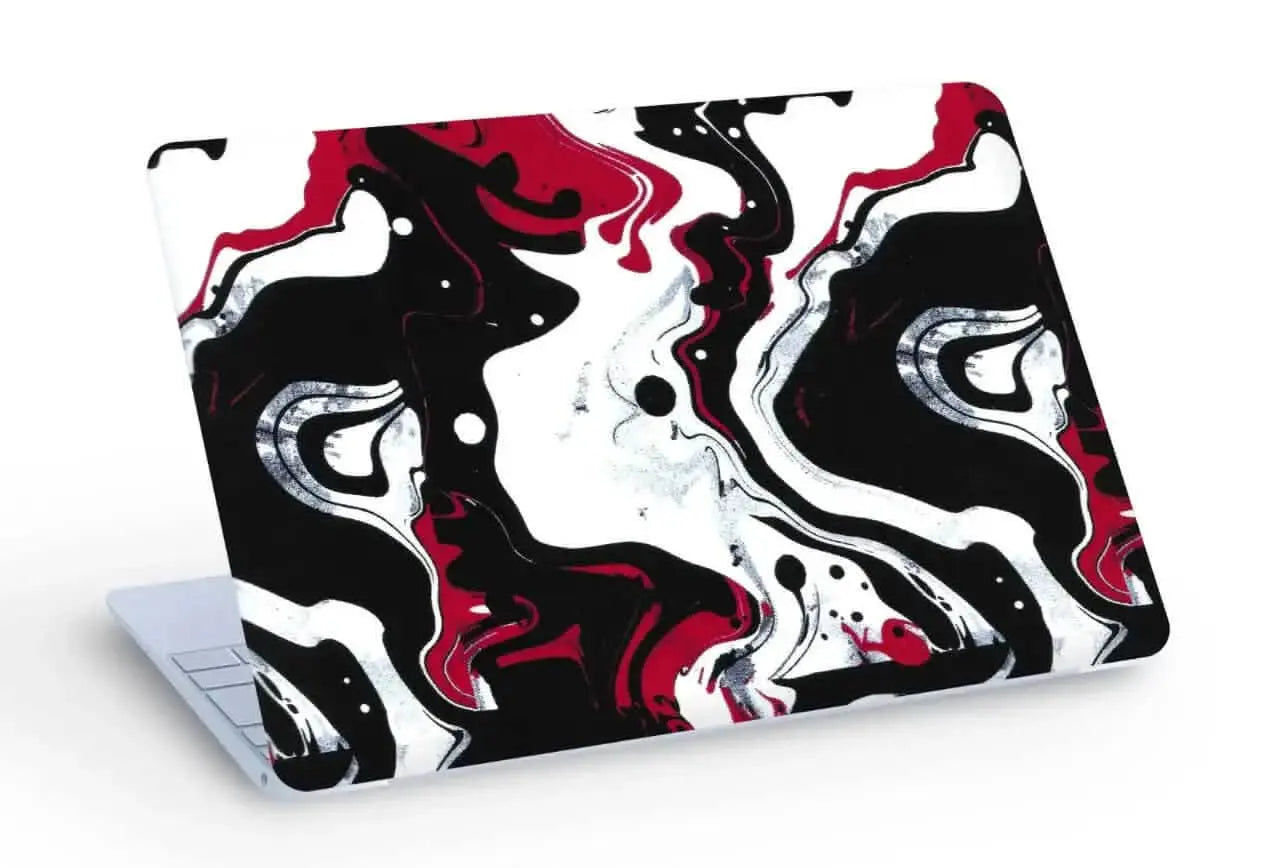
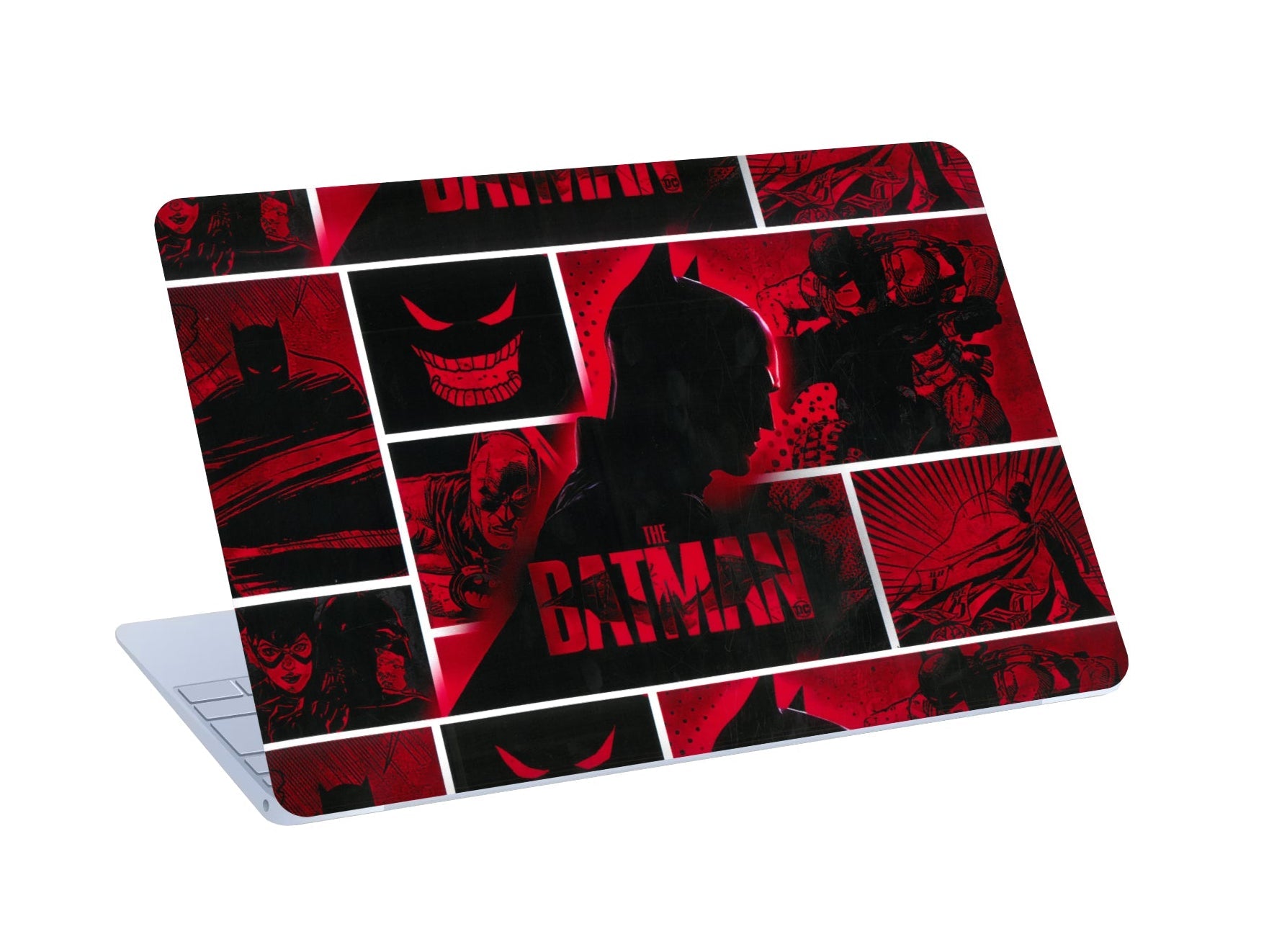
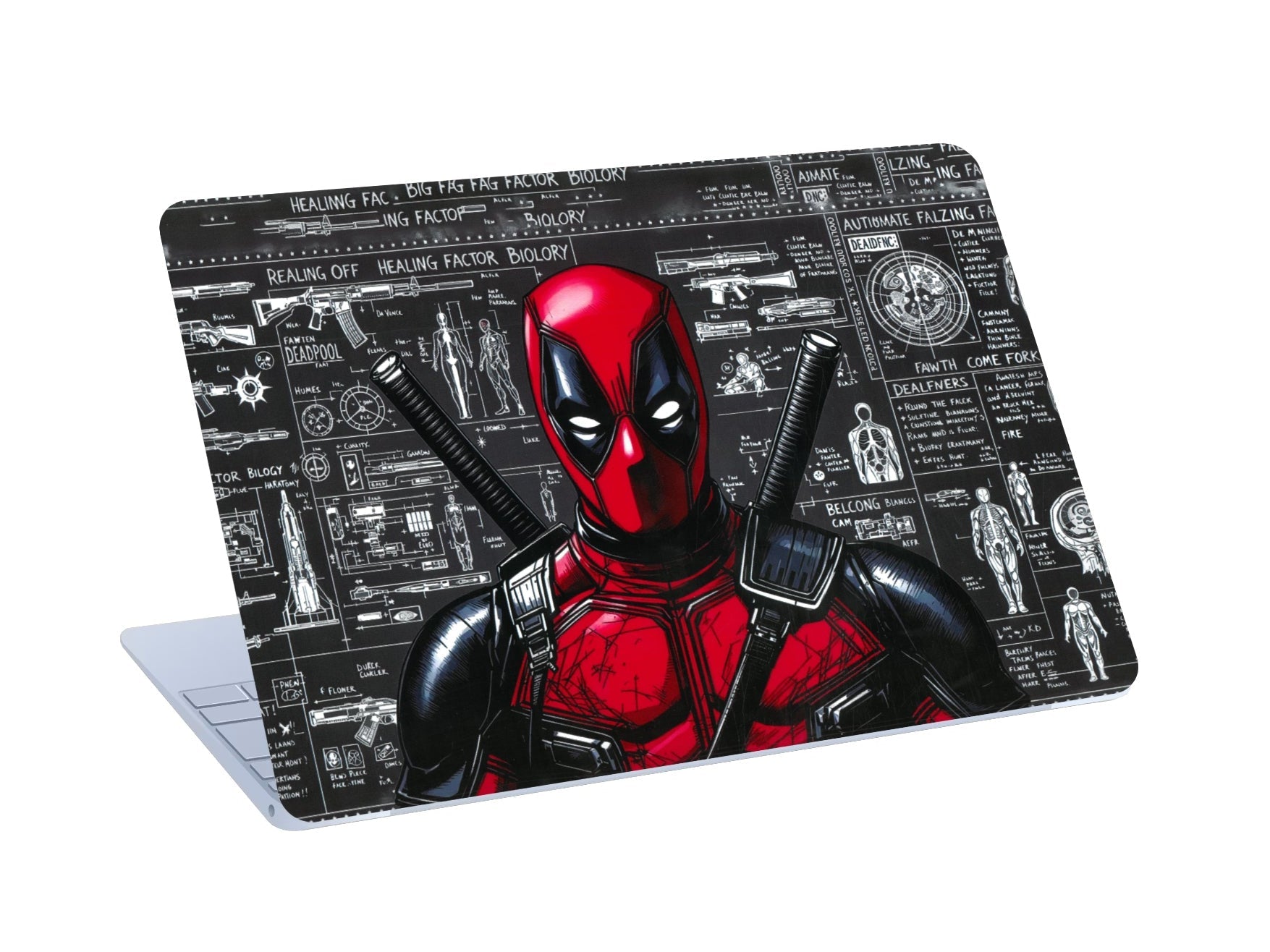
Personalisation does not have to stop at your phone. Our laptop skins give a laptop a fresh, distinctive look while keeping the profile slim and clean. Designs include superheroes, anime, automotive artwork and creative patterns, with matte finishes starting from Rs. 444.
Custom phone skins
Want something nobody else has? A custom skin lets you turn your own image, artwork, illustration or graphic into a unique design. For the best result, use a high-resolution file and make sure you have the rights or permission to use the artwork.
Posters for your space
If you work or game from a desk, you already know the setup matters. Our posters start from Rs. 99 and cover anime, cars, samurai art and more. Current offers include Buy 2 Get 1 Free, so you can match your wall to your devices.
How to Choose the Right Skin
- Start with your exact model. Skins are cut to fit specific devices, so check that your phone or laptop is supported.
- Pick a finish. Matte looks calm and premium, glossy looks vivid, and textured adds a tactile feel.
- Match your style. Anime, cars, superheroes, minimal and gaming designs all suit different personalities.
- Be realistic about protection. A skin helps with everyday scratches and scuffs, but it is not meant to replace an impact-protection case. If drops are your main worry, use a case as well.
- Consider custom. If you have a photo or artwork you love, a custom skin makes the device truly yours.
How to Apply and Care for a Phone Skin
A clean application makes a big difference to the final look.
- Clean the surface so it is free of dust, oil and moisture.
- Align carefully with the edges and camera area before pressing down.
- Take your time. Slow, careful placement gives a cleaner result.
- Clean gently with a soft microfiber cloth, slightly dampened if needed. Avoid harsh chemicals and aggressive rubbing.
- Remove slowly. Peel from one corner rather than pulling quickly. Reapplying the same skin after removal is not recommended, so use a fresh skin for a new installation.
Staying Safe While Using AI Agents
Agents like Muse are powerful, and a few habits will protect you.
- Connect only what you need. Every connected app is another door. Start small.
- Require approval for sensitive actions. Let the agent draft the email or find the product, but approve payments and messages yourself.
- Review the activity record. Check what the agent has done on your behalf.
- Check training and privacy settings. Opt out of training if you prefer, and read the data policy.
- Treat early versions carefully. Reports of reliability issues are a reminder that new agents can make mistakes.
Frequently Asked Questions
What is Meta Muse?
Muse is a personal AI agent from Meta that can take actions such as sending emails and booking travel, and can remember information to make suggestions.
Is Meta Muse free?
Meta says the service will be free for most users, with subscription plans for those who need more computing capacity.
Can Muse see my passwords or card details?
Meta says Muse cannot see passwords or payment information, and that credentials are stored separately from the agent.
Can I stop my chats being used for AI training?
Meta says users can opt out of having their Muse interactions used to train its AI models.
Do phone skins affect performance, signal or heating?
Cladure skins are ultra-thin and are not designed to affect device performance, signal or heating. Thin skins are also generally compatible with wireless charging, though results depend on your phone, charger and any additional case.
How long does Cladure delivery take?
Delivery usually takes 3 to 7 working days depending on your location, and you receive a tracking link once your order ships. Free shipping is available on selected orders across India.
Can I get a custom design on my skin?
Yes. Cladure offers custom phone skins using your own image, artwork or graphic.
Final Thoughts
Meta Muse shows where technology is heading: assistants that do things for you, not just talk. That brings real convenience and real questions about privacy, security and control. Stay curious, grant permissions carefully, and keep an eye on when Muse reaches India.
In the meantime, you can make the devices you use every day feel like your own. Customers rate Cladure 4.5 out of 5 across 870+ verified reviews, and offers are available across the store, including 20% off on orders of Rs. 299 and above with code HELLO20.
Shop phone skins Shop laptop skins Shop posters
Cladure: Made to Stand Out.

Leave a comment
This site is protected by hCaptcha and the hCaptcha Privacy Policy and Terms of Service apply.